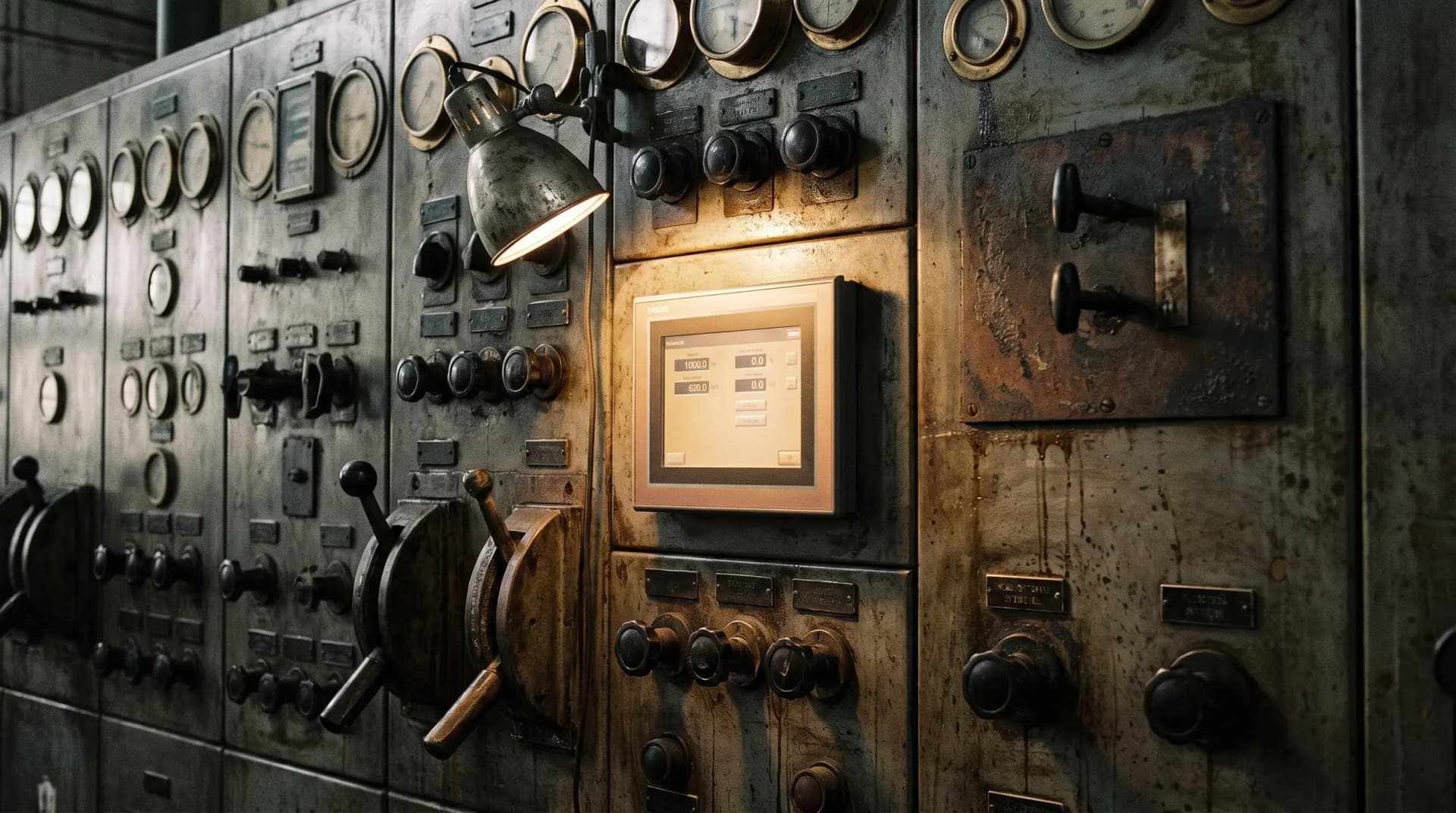
Many costly ERP problems don't look like failures. The system still posts invoices, orders still ship and month-end still closes. An old ERP doesn't break; it taxes you.
The tax is a few minutes of re-keying on each order. It is a workaround here and a side spreadsheet there. Nobody budgets for it, because nobody sees it in one place.
Then someone adds it up, and the response is often the same: "We need a new ERP." Sometimes that's true. Often, it's the start of a costly mistake: rebuilding the current mess in newer software.
A new ERP can rebuild the old mess
An ERP replacement is a large investment. Count the licences, the implementation, the data migration and your own staff's time.
The hidden cost is what the project copies across. An implementer asks your team how the order process works. They hear the current process, including every workaround built around the old system.
That process is documented and configured into the new system. You get exactly what you asked for: the same process, on a nicer screen, with a large bill.
Our team has seen the result. A wholesale distributor in the wholesale ERP case study had tried to replace its ERP once and walked away.
Some of this work was delivered by Reenva's founder and team before Reenva was formed.
That first attempt copied the old process, workarounds and all, onto new software. It recreated the same problem at a higher cost.
An ERP project that starts with choosing software has skipped the step that decides whether the money buys anything. The process you put into the new system is the one you'll live with for years.
Map the real process before you choose a platform
Before any platform decision, map how an order, a job or a claim really moves through the business. Include the steps no system records. That map shows what new software must fix, and what it can't.
On the distributor's project, the team's engineer followed real orders from the order desk to the dispatch dock. Orders arrived on four channels. They were re-keyed two or three times before dispatch could see them.
The dock waited on paperwork that lived partly in an inbox and a spreadsheet. None of this showed in the ERP, because staff were working around it.
That map changed the project. The team redesigned the order process first: one intake, no re-keys, exceptions queued rather than chased. Then Dynamics 365 Business Central and automated order intake were built around the new flow.
Order-to-dispatch time fell 30%. Re-keys between intake and dispatch went from two or three to none. A better forecast cut inventory by about 12%.
The 30% came from fixing the process; the software made it stick.
Four questions that tell you whether to extend or replace
The extend-or-replace decision is often clearer than it sounds. Four questions settle most of it:
- Does the core still do its job? If the ledger posts accurately and stock balances reconcile, the core may be fine. The problem may be what's bolted around it.
- Is the platform still supported? Check the vendor's future, security patches and supported ways to connect. An unsupported platform is a business risk, however well it runs today.
- Is the problem the software, or the process around it? If people re-key data between systems, the process and the connections are the problem. New software with the same gaps brings the same re-keying.
- Can it connect? If it can't share data, it can't feed a modern data platform. A low-cost connector sometimes fixes this; sometimes the system can't be saved.
Answer "no" to two or more of the first, second and fourth questions, and replacement is probably right. If the third points to the process, the honest advice is often a smaller spend. Fix the process first, then revisit the platform with real information.
Fix the process, clean the data, then move in stages
When replacement is right, the order of the work decides the outcome. Our Connected ERP projects follow this sequence:
- Re-engineer first. Redesign the process on paper before anyone configures software. Each workaround gets a decision: remove it, or make it a designed step.
- Clean the data alongside. Reconcile customers, products and pricing before migration, not during the cutover weekend.
- Move in stages, one branch or function at a time. Run the old and new systems in parallel until staff trust the new one. A single big-bang weekend puts all the risk in one place.
- Automate once it's stable. Add forecasting, automated order intake and dispatch triggers after go-live, on a stable core.
Once the budget is approved, everyone wants everything in phase one. But each extra feature in the cutover makes it harder for any of it to land well.
Sometimes the honest answer is "replace it"
This isn't an argument for nursing a dead platform. Some systems are past saving. The vendor is gone, the custom changes are undocumented, security can't be patched, or licence costs have become unreasonable.
Then delay is its own tax. The same sequence applies, with more urgency on cleaning the data. Moving data out of a dying system tends to get harder each year.
The point isn't "never replace your ERP." The software choice is the fourth decision, not the first: process, data, sequence, then platform.
Get the order right and you get more than a new ERP. You get a system that records how the business really works, instead of fighting it.
+ Your next step
Thinking about replacing your ERP?
Book a 30-minute call. If there is a fit, a two-week fixed-fee review maps the real process and gives you a clear extend-or-replace answer.